360
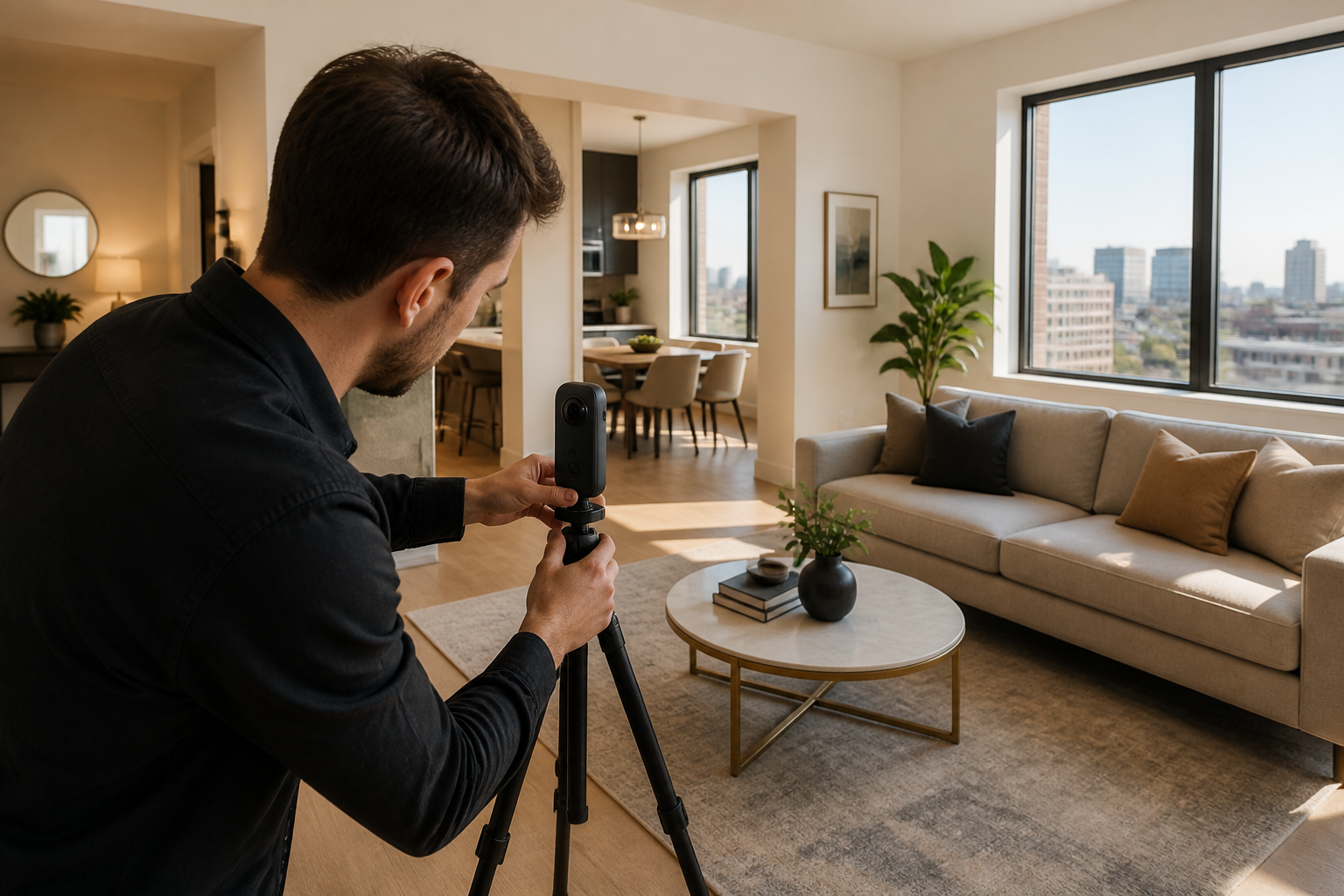
Virtual Walkthrough Creation
Manual room-to-room tour building with clear navigation, room labels, and a polished starting view.
Queens and NYC listing media partner
Help renters and buyers experience your listing before they visit. We create professional virtual walkthroughs, hosted property pages, and optional listing media for brokers, agents, landlords, and property managers.
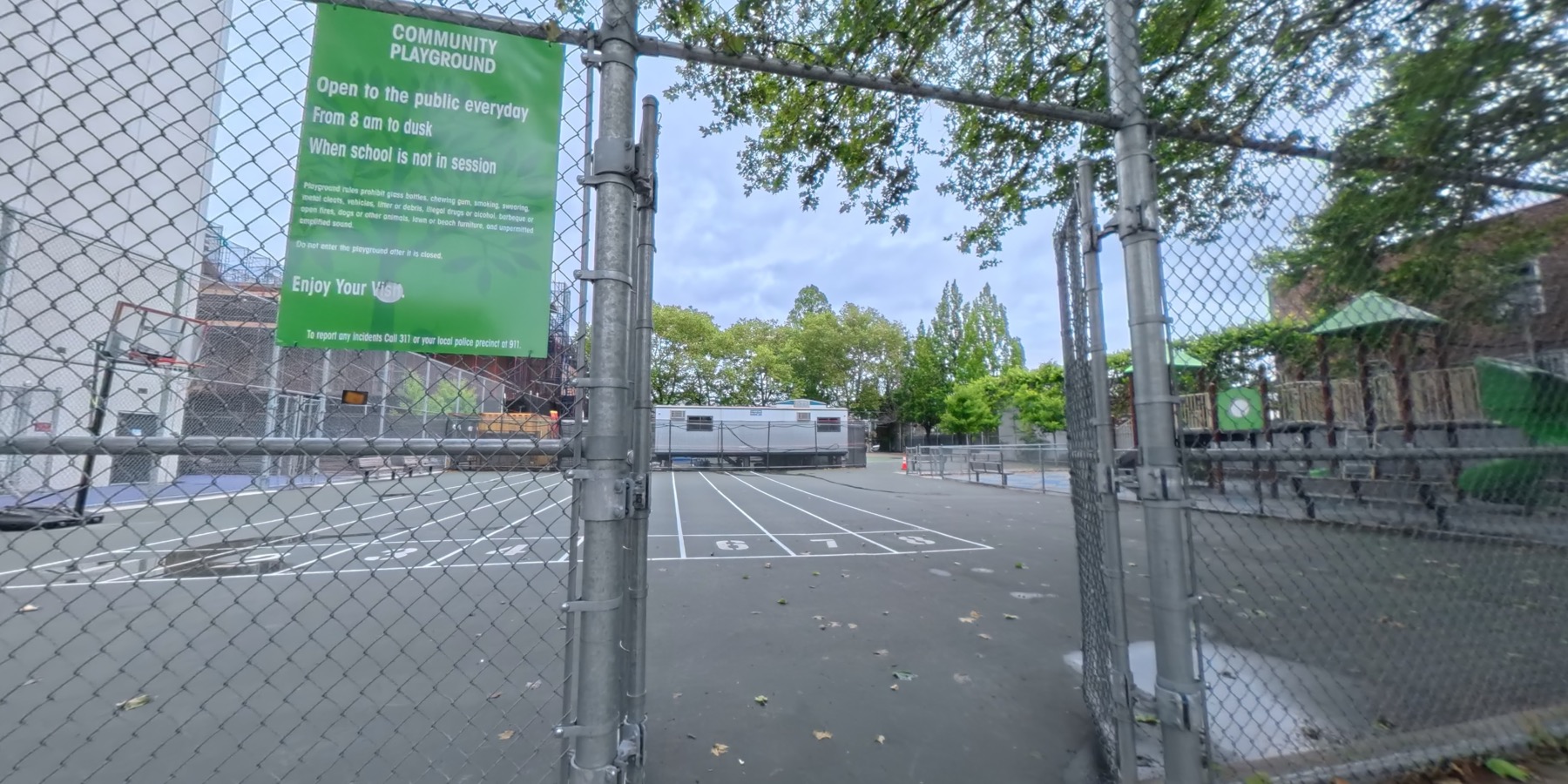
Public Park, Queens
Hosted walkthrough
Preview the polished listing page built around the live 360 walkthrough.
Recurring partners
A repeatable media workflow helps active agents move faster: consistent property pages, priority scheduling, discounted recurring options, and a clean link that is easy to share by text, email, social, and listing platforms.
Services
Manual room-to-room tour building with clear navigation, room labels, and a polished starting view.
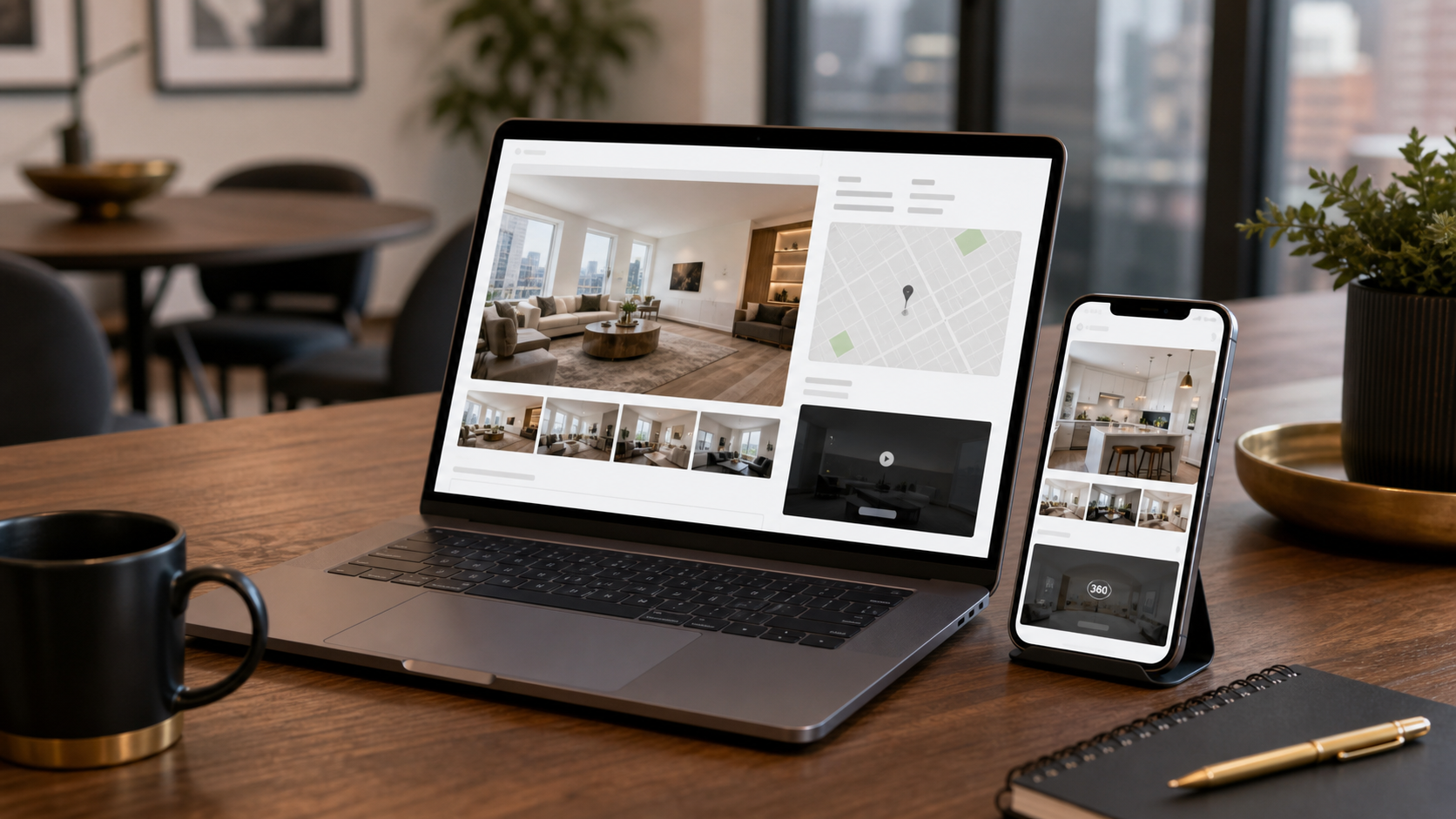
A clean, mobile-first listing destination that combines the walkthrough, photos, details, agent contact, and sharing tools.
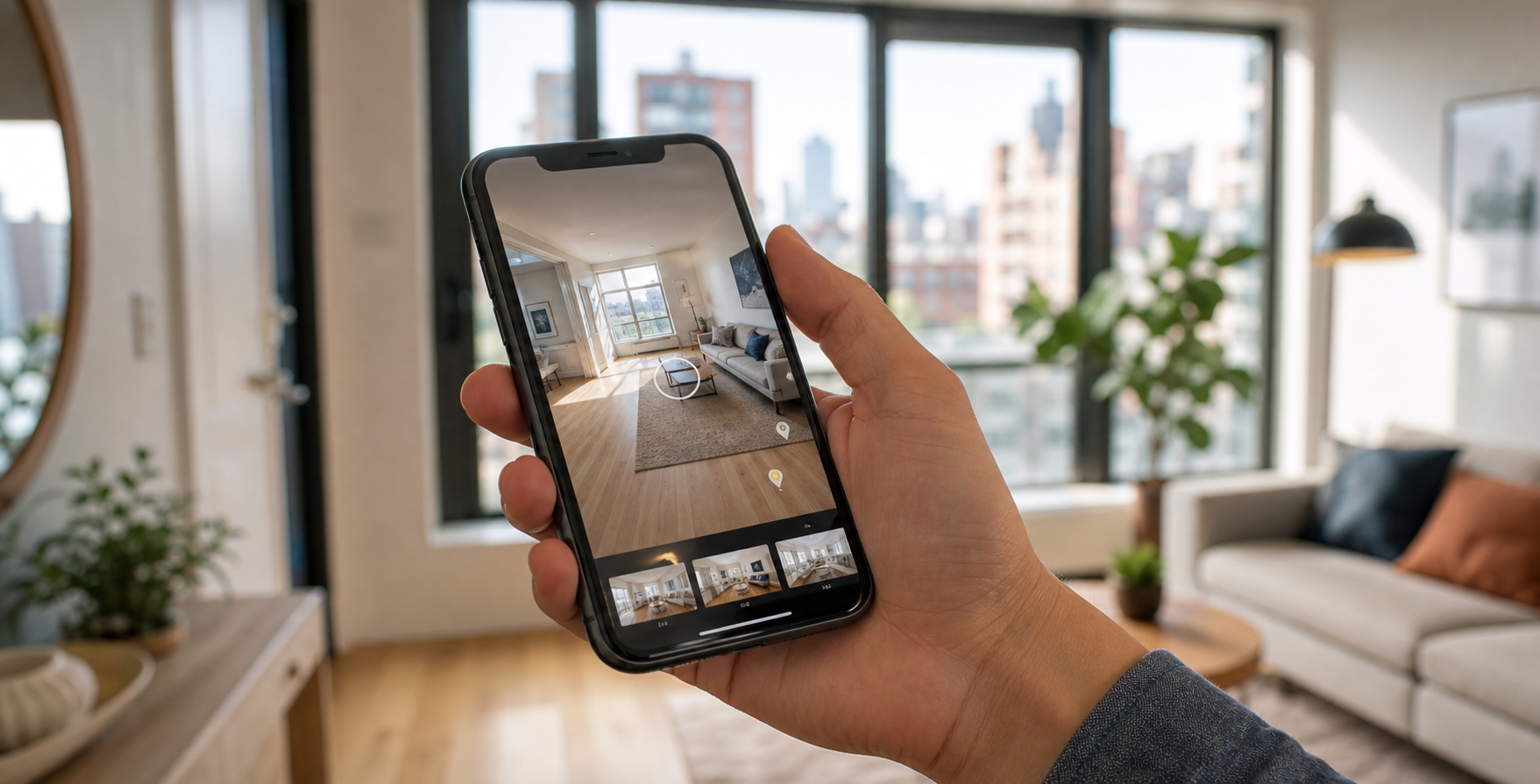
Pages designed for quick opening, large tap targets, and easy sharing by text, email, social, and listing platforms.
Optional add-ons
Use cases
360 Tours can support real estate listings, active job sites, rental properties, operational spaces, and local businesses with a shareable visual walkthrough.
Give buyers, renters, owners, and agents a clear walkthrough of apartments, co-ops, condos, single-family homes, and multifamily listings.
Show offices, hotels, retail storefronts, mixed-use properties, medical suites, and investment spaces before an in-person tour.
Document progress, site conditions, punch-list context, and finished work with visual records teams can revisit and share.
Help guests understand layout, sleeping areas, amenities, entry points, and neighborhood context before they book.
Preview loading areas, ceiling height, access routes, storage zones, yard space, and operational flow for prospective tenants or partners.
Create a polished virtual first look for venues, studios, gyms, salons, restaurants, showrooms, and local service businesses.
Listing lift
Today’s renters and buyers want to understand a space before they schedule a showing. A mobile-friendly 360° walkthrough gives them a better sense of layout, flow, and scale before they ever step inside.
Photos show highlights. A walkthrough helps people understand how the rooms connect, how the space flows, and what the property actually feels like.
Most people discover listings on their phone. Our walkthrough pages are designed to be easy to open, view, and share from mobile.
A better online preview helps filter out people who are not a fit, so agents can spend more time with serious prospects.
Send one clean property page by text, email, social media, or listing platforms instead of sending scattered files and links.
Professional walkthroughs and property showcase pages help agents look more polished, tech-forward, and serious about marketing.
Walkthroughs can also support short-form clips, social posts, listing previews, and future portfolio examples.
Packages
$199+
Best for studios and small 1BRs.
$299+
Best for most Queens apartments.
$449+
Best for larger listings, condos, homes, and commercial spaces.
Custom
Best for brokers, teams, and property managers.
Final pricing depends on property size, location, number of walkthrough stops, turnaround time, and add-ons.
FAQ
Clear answers for brokers, agents, landlords, and property managers comparing 360 walkthroughs, hosted listing pages, pricing, MLS-friendly links, and recurring media support.
A standard 360 Tours listing package includes walkthrough capture, manual tour assembly, room-to-room navigation, basic labels, mobile-friendly viewing, and a hosted property showcase page. Depending on the package, the page can also include photos, property facts, agent contact buttons, share links, floor plans, reels, rush delivery, and extra tour stops.
Photos are still essential, but they usually show selected angles. A virtual walkthrough helps buyers and renters understand layout, room flow, and scale before they request a showing. Zillow's 2024 buyer research found that 70% of buyers agreed that 3D tours help them get a better feel for a space than static photos.
Source: Zillow Buyer Trends 2024No. A walkthrough is best used as a pre-showing filter and sales tool. It helps prospects decide whether the space is worth seeing in person, and it gives agents a stronger link to send before or after a conversation. Serious prospects can arrive better informed, with fewer basic layout questions.
Source: Zillow Buyer Trends 2024NYC renters move fast and usually compare listings on their phones. Zillow reported that 81% of recent renters searched on a mobile website in 2025, and 73% searched with a mobile app. A mobile-first showcase page gives them one clean link with the tour, key facts, photos, neighborhood context, and agent contact in one place.
Source: Zillow Renter Trends 2025It can help by giving prospects more information before they ask for a tour, but we do not promise a fixed percentage. Better online listing media can answer common questions about layout, size, room flow, and overall fit. Apartments.com notes that more complete listing information, including unit-specific visuals, can make inquiries more serious and reduce questions that could have been answered online.
Source: Apartments.com renter survey articleThe value is the repeatable listing media workflow. 360 Tours handles capture planning, manual walkthrough construction, labels, hosted property pages, branded or unbranded links, mobile layout, sharing CTAs, and optional photos, floor plans, reels, rush delivery, and extra stops.
How it works
Portfolio preview